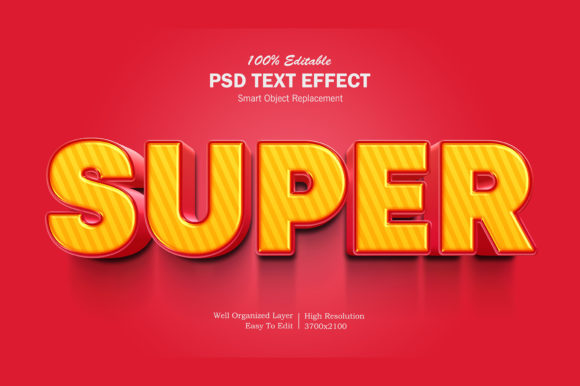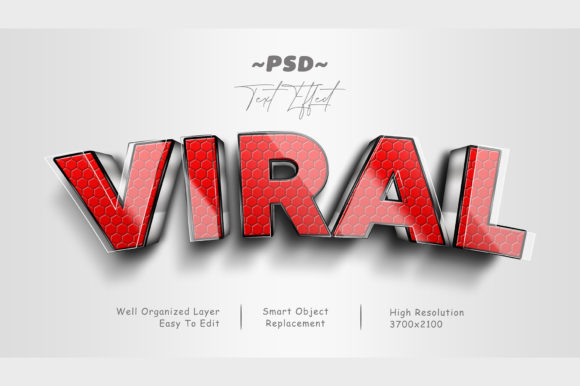
Mastering Viral 3D Text Effects: A Complete Guide to Using Editable PSD Templates
In the fast-paced world of digital content creation, capturing attention is half the battle. Whether you are designing a social media post, crafting a movie poster, or branding a new product, typography plays a pivotal role in conveying your message. One of the most striking ways to elevate text is through 3D effects. However, creating complex three-dimensional typography from scratch requires advanced skills in graphic design software like Adobe Photoshop. This is where Viral 3D PSD Editable Text Effects come into play, offering a streamlined solution for designers and non-designers alike.
This article explores how these high-quality graphic resources work, why they are essential for modern creatives, and how you can leverage them to produce professional-grade visuals with minimal effort. We will break down the technical aspects, discuss their practical applications, and guide you through the editing process to help you understand the value of smart object technology in design workflows.
What Are Viral 3D PSD Editable Text Effects?
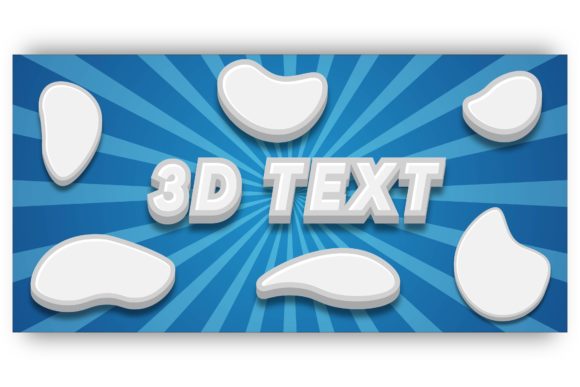
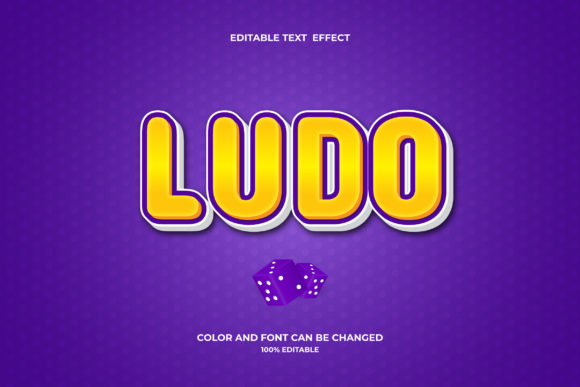
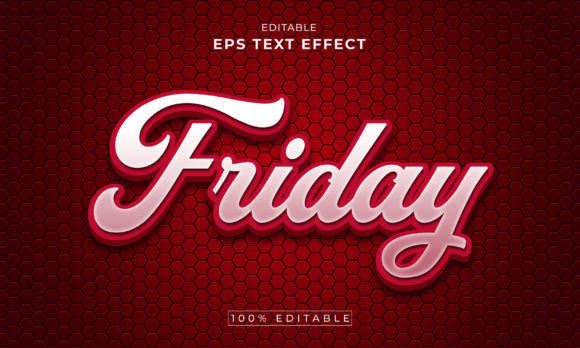
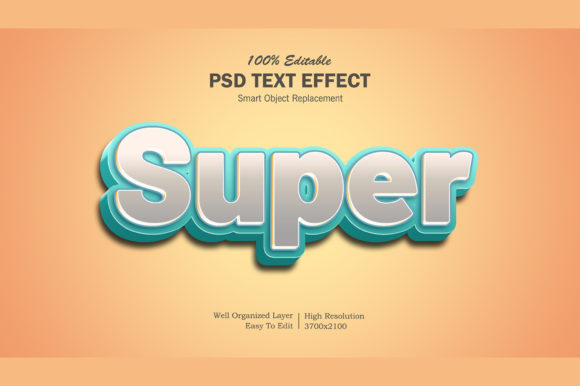
A Viral 3D PSD Editable Text Effect is a pre-designed graphic resource file created specifically for Adobe Photoshop (PSD format). These files are engineered to give users the ability to apply sophisticated, high-quality 3D styling to their text without needing to manually construct shadows, bevels, lighting, and textures layer by layer.
The term "viral" often refers to the aesthetic appeal of the effect—styles that are trendy, eye-catching, and share-worthy on platforms like Instagram, TikTok, and Pinterest. The "editable" aspect is crucial; it means the template is not a static image but a dynamic file where you can input your own words while retaining the complex visual structure designed by the creator.
The Power of Smart Objects
The core technology behind these templates is the use of Smart Objects. In Photoshop, a Smart Object is a container that holds image data from raster or vector images. When a designer creates a 3D text effect using Smart Objects, they ensure that:
- Non-Destructive Editing: You can change the text or the underlying image multiple times without losing quality.
- Automatic Updates: Once you save changes inside the Smart Object, the main document updates instantly.
- Layer Integrity: The complex arrangement of layers (shadows, highlights, reflections) remains intact regardless of what text you insert.
For beginners, this is a game-changer. It removes the steep learning curve associated with manual 3D rendering, allowing anyone to achieve a professional look.
Why Use Pre-Made 3D Text Effects?
You might wonder why one should use a template instead of learning Photoshop’s native 3D tools. While learning native tools is valuable, there are significant advantages to using editable PSD templates, especially in professional or time-sensitive contexts.
1. Time Efficiency
Creating a realistic 3D text effect from scratch can take hours, involving meticulous adjustments to lighting angles, material properties, and depth settings. With an editable PSD file, you can replace the text and have a finished design in minutes. This efficiency is vital for businesses that need to produce daily social media content or marketers working under tight deadlines.
2. Consistency and Quality
Professional templates are crafted by experienced graphic designers who understand color theory, composition, and typography. By using these resources, you inherit their expertise. The lighting is balanced, the shadows are realistic, and the overall aesthetic is polished. This ensures that even if you are a novice user, your final output looks like it was made by an expert.
3. Versatility Across Media
These effects are not limited to just one type of project. As highlighted in the product details, a single 3D text effect can be adapted for various uses, including:
- Social Media: Facebook covers, YouTube banners, Twitter headers, and Instagram stories.
- Print Materials: Posters, flyers, greeting cards, and placards.
- Branding: Logo presentations, T-shirt designs, clothing graphics, and merchandise.
- Digital Assets: Website elements, wallpapers, and cartoon titles.
How to Edit Your 3D Text Effect: A Step-by-Step Guide
One of the common misconceptions about PSD files is that they are difficult to edit. In reality, the process for these specific templates is designed to be as simple as possible. Here is how you can customize a Viral 3D PSD Editable Text Effect:
- Open the File: Launch Adobe Photoshop and open the provided .psd file.
- Locate the Smart Object: Look at the Layers panel on the right side of your screen. You will see a layer named something like "Your Text" or "Replace Me". It will have a small icon in the corner indicating it is a Smart Object.
- Double-Click to Edit: Simply double-click on the thumbnail of that Smart Object layer. This will open a new tab containing only the text placeholder.
- Replace the Text: Select the text tool, highlight the existing dummy text, and type your own message. Adjust the font size or style if necessary, though the template usually handles scaling automatically.
- Save and Close: Press
Ctrl+S(Windows) orCmd+S(Mac) to save the changes. Then, close the Smart Object tab. You will be returned to the main file, where your new text now appears with all the 3D effects applied.
This workflow is incredibly intuitive. Because the effect is linked to the Smart Object, any changes you make are reflected immediately in the main composition. There is no need to manually adjust shadows or re-render the 3D geometry.
Technical Features and What You Get
When purchasing or downloading a high-quality 3D text effect, it is important to understand what specifications to expect. Premium templates typically offer the following features:
High Resolution
Most designs are created at high resolution (often 300 DPI or higher) to ensure they look crisp on both screens and print materials. This is essential for items like T-shirts or large posters where pixelation would ruin the professional appearance.
Well-Organized Layers
Even though the text area is locked into a Smart Object for ease of use, the rest of the file is usually well-organized. This allows advanced users to tweak background colors, adjust ambient lighting, or modify individual shadow layers if they wish to customize the effect further. For beginners, these extra layers can remain untouched.
100% Editable
The promise of being 100% editable means that aside from the core 3D geometry (which is procedural), almost every visual element can be manipulated. You can change the color palette, swap out textures, or alter the perspective angle depending on the template's complexity.
File Contents
Typically, the download package includes:
- 1 PSD File: The main editable source file.
- 1 Image File: A preview or flattened version of the design for quick reference.
- Help File / Read Me.txt: Instructions on how to install fonts (if required) and step-by-step editing guides.
Common Misunderstandings and Tips
Do I need the latest version of Photoshop?
While newer versions of Photoshop offer more robust 3D capabilities, most basic Smart Object templates are compatible with older versions as well. However, checking the minimum system requirements provided by the seller is always recommended.
Can I use these for commercial projects?
This depends entirely on the license agreement attached to the PSD file. Some templates are for personal use only, while others allow commercial application. Always read the terms before using a design for client work or products for sale.
What if I don't like the font?
Since the text is inside a Smart Object, you can change the font family, size, and spacing just like any regular text layer in Photoshop. Just ensure you have the font installed on your computer, or the template may default to a similar font.
Conclusion: Elevate Your Design Workflow
In today’s visually driven economy, the ability to create stunning graphics quickly is a valuable skill. Viral 3D PSD Editable Text Effects bridge the gap between amateur creativity and professional design standards. By leveraging the power of Smart Objects, these templates democratize access to high-end visual effects, allowing entrepreneurs, students, and hobbyists to produce polished work without years of training.
Whether you are looking to boost engagement on social media, create memorable merchandise, or simply add flair to your next presentation, these editable resources provide a flexible, efficient, and impressive solution. By understanding how to navigate and utilize these files, you unlock a new level of creative freedom, turning simple text into impactful visual statements.
If you find value in these resources, consider rating and reviewing them to support the creators. Their feedback helps maintain the quality and innovation of the design community, ensuring that future users continue to have access to top-tier tools for their creative endeavors.