3D Backlit LED Signage Logo Mockup
In the competitive landscape of branding and visual communication, the gap between a digital concept and physical reality can often feel insurmountable. Clients do not buy pixels; they buy experiences, tangible assets, and perceived value. This is where the 3D Backlit LED Signage Logo Mockup transitions from a simple design asset to a critical component of the professional workflow. It serves as the bridge that allows designers, agency owners, and marketing teams to present their work with the weight and realism it deserves before a single sheet of acrylic or piece of metal is cut.
The process of securing a new client or finalizing a brand identity requires more than just a well-designed vector file. It requires context. A flat logo on a white background tells a story of potential, but a 3D backlit sign mounted on a textured wall tells a story of execution, scale, and atmosphere. By integrating high-fidelity mockups into your presentation pipeline, you shift the conversation from "what this looks like" to "how this will perform in the real world." This article explores how to leverage these specific PSD resources to streamline your creative process, enhance client trust, and reduce revision cycles through realistic visualization.
The Strategic Value of Photorealistic Presentation
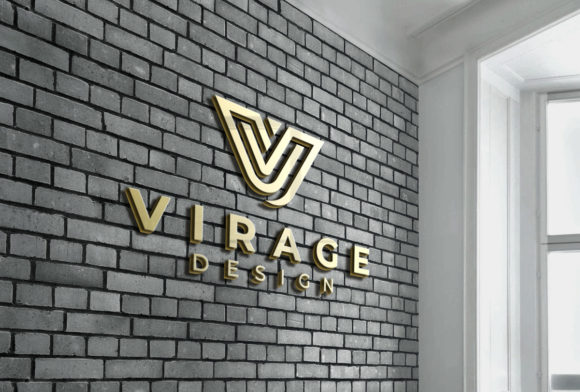
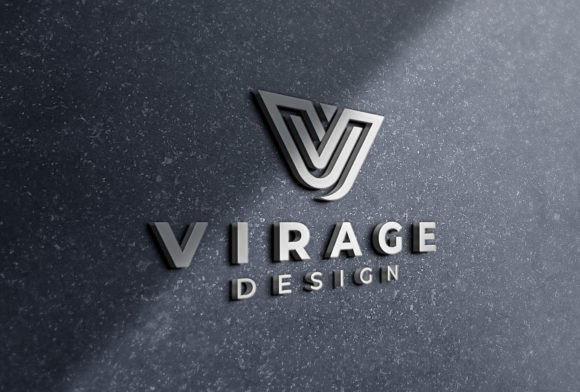
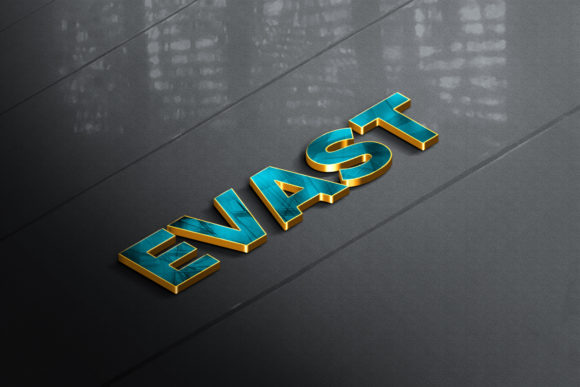
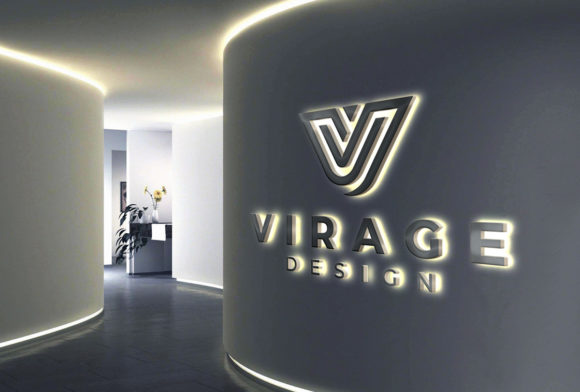
When pitching a rebrand or a new storefront signage solution, the stakes are high. The client needs to visualize not just the shape of the letters, but the interaction of light with material. A 3D Backlit LED Signage Logo Mockup provides the necessary depth to convey this. Unlike standard flat presentations, these mockups simulate the glow, the halo effect, and the shadow casting that occurs when LEDs illuminate a three-dimensional object.
This level of detail impacts the decision-making process significantly. When a client sees their logo glowing softly against a brick wall or embedded in sleek modern paneling, the abstract nature of the design becomes concrete. This reduces anxiety about the final product’s appearance. It answers unspoken questions about size, color temperature, and material finish. Consequently, the approval process accelerates because the client feels confident in what they are purchasing. You are no longer asking them to imagine the result; you are showing them the outcome.
Technical Workflow: Editing and Customization
Efficiency in design is not just about speed; it is about creating a repeatable, error-free system. The effectiveness of any mockup depends heavily on its underlying structure. A poorly constructed PSD file can lead to hours of frustration, distorted images, and inconsistent lighting. Therefore, selecting a resource that offers a layered and well-structured PSD file is non-negotiable for serious professionals.
The core mechanism behind these files is the use of Smart Objects. This feature allows for non-destructive editing. Instead of manually warping and masking your logo onto the sign—which often results in pixelation or misalignment—you simply double-click the designated layer. Your original logo opens in a separate window, where you can paste your design, save the changes, and watch the mockup update instantly. This ensures that your typography remains crisp and your vectors retain their integrity regardless of the resolution.
To maintain consistency across multiple projects, organize your master file meticulously. Keep your logo assets in a dedicated folder within the PSD. Use naming conventions that distinguish between the background texture layers, the sign base layers, and the smart object placeholders. When you are working under tight deadlines, having a clean, logical hierarchy means you spend less time searching for the right layer and more time refining the presentation. This organizational discipline directly translates to higher quality control and fewer mistakes during the handoff phase.
Contextual Integration: Backgrounds and Textures
A logo does not exist in a vacuum. Its impact is defined by its environment. The inclusion of real backgrounds and textures in your mockup is what separates a generic template from a tailored proposal. Whether the setting is an industrial warehouse with exposed concrete, a minimalist office lobby with polished marble, or a cozy retail space with warm wood tones, the background sets the emotional tone of the brand.
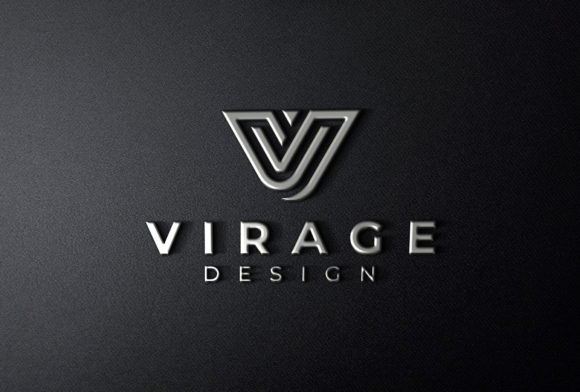
Consider the workflow implications of varying backgrounds. If you are presenting to a tech startup, a sleek, dark background with cool-toned LED effects might resonate better than a bright, casual cafe scene. Conversely, a boutique hotel chain might require warm, inviting textures. By having access to diverse background options within your mockup library, you can tailor the presentation to the specific industry and aesthetic preferences of each client without needing to create a new design from scratch. This adaptability demonstrates a deep understanding of the client’s market positioning.
Furthermore, pay attention to the lighting conditions depicted in the background. The glow from the LED sign should interact logically with the surroundings. Does it reflect off nearby surfaces? Does it cast a soft illumination on the floor? High-quality mockups account for these subtle interactions, adding a layer of authenticity that grounds the design in reality. This attention to environmental detail reinforces the credibility of your proposal.
Resolution and Scalability in Practice
While many digital assets are optimized for screen viewing, signage proposals often need to be printed for physical meetings or displayed on large monitors. The specification of resolution 2000x1350px (or similar high-DPI standards) ensures that your presentation holds up under scrutiny. At this resolution, fine details such as the grain of the wood, the pores of the concrete, and the individual pixels of the LED array remain sharp.
However, resolution is only part of the equation. You must also consider the aspect ratio. A 2000x1350px image typically corresponds to a 3:2 aspect ratio, which is versatile for both web display and standard print formats. Before finalizing your presentation, check the dimensions against your intended output medium. If you plan to print the mockup for a boardroom presentation, ensure that the DPI is set to at least 300 to avoid blurriness. If it is solely for email or web review, the current resolution is likely sufficient, but compressing the file appropriately will ensure fast loading times without sacrificing visible quality.
Always keep a backup of your source PSD files. Over time, you may need to adjust the lighting or swap out a background for a different season or campaign. Having the original layered file allows you to return to previous versions and make iterative improvements. This practice supports long-term project management, allowing you to reuse successful presentations for future clients or updated brand guidelines.
Integrating Mockups into the Broader Design Ecosystem
The 3D Backlit LED Signage Logo Mockup is not an isolated tool; it is part of a larger ecosystem of brand deliverables. It should complement other assets such as business cards, letterheads, and social media graphics. Consistency in style and quality across all touchpoints builds a cohesive brand narrative. When your signage mockup matches the visual language of your other designs, it reinforces the professionalism of your entire portfolio.
Collaboration is another key factor. In agency settings, designers often hand off files to art directors or account managers who prepare client decks. Clear documentation within the PSD file—such as locked layers for complex effects and clearly labeled groups for easy navigation—facilitates smoother collaboration. When team members can easily edit the mockup without breaking the layout, the entire production process becomes more efficient. This shared understanding of the tool’s capabilities minimizes friction and keeps the project on schedule.
Moreover, consider the feedback loop. When clients view the mockup, they may request changes. Because the file is editable via Smart Objects, you can quickly test alternative colors, fonts, or sizes. This agility allows you to explore variations rapidly, providing the client with options rather than a single static image. Empowering the client with choices fosters a collaborative relationship and increases the likelihood of satisfaction with the final result.
Conclusion on Practical Implementation
Ultimately, the value of a 3D Backlit LED Signage Logo Mockup lies in its ability to translate abstract ideas into tangible realities. It is a practical tool that enhances communication, builds trust, and streamlines the approval process. By prioritizing high-quality, well-structured files with realistic textures and proper resolution, you elevate your presentations from mere displays to compelling narratives.
For professionals aiming to improve their workflow, start by auditing your current mockup library. Are your files organized? Do they offer enough contextual variety? Can they handle high-resolution prints? Investing time in refining these assets pays dividends in every subsequent project. As you integrate these practices into your routine, you will find that your confidence in presenting design solutions grows, leading to stronger client relationships and more successful outcomes. The goal is not just to show a logo, but to showcase a vision that is ready for the real world.